
Chambers County Civil Docket Searches
Start on the county's Records Search page, which opens the Chambers County Tyler Portal. Smart Search works fastest when you already have the cause number. No number? Try a party or business name. Then filter by filing date and court. Before opening a result, check the style, case type, court, and filing date. A shared name alone rarely pins down one case.
For a date-range lookup, open Advanced Filtering Options and type an asterisk into “Enter a Record Number.” Set the dates under Search Cases. That asterisk keeps the record-number box from blocking a broad query. Search Hearings is a separate tool. When the real question is the next civil setting, it takes a cause number, party, attorney, or court.
- Open Smart Search through the county instructions.
- Search the exact cause number when it is known.
- Otherwise enter the party name and narrow by court or date.
- Confirm the case type, then read events through the latest signed order.
- Use Search Hearings or contact the coordinator for the current setting.
- Request a certified judgment from the holding clerk when needed.
Chambers District Civil Assignments
Chambers County splits its major civil and family assignments between two district courts. These are the 253rd and the 344th. The Chambers County District Clerk holds the pleadings and papers for those causes. The clerk also serves the County Court at Law. Its public directory lists a civil and family supervisor at 409-267-2674. The office runs paperless. Routine review happens through the Portal or a terminal rather than a paper jacket.
Scheduling runs through two different channels. To get a date in the 253rd, call its coordinator at 409-267-2750. The 344th asks for hearing and trial-date requests by email and lists 409-267-2429. Keep the roles straight. The clerk keeps the filed court records. The coordinator manages settings. Mix them up and both your record request and hearing inquiry can stall.
Civil Dockets: What They Show
The header tells you the cause number, filing date, court, case type, style, and status. From there, the event trail traces how the dispute unfolded. A petition opens the file. Citation events record service efforts. Answers, counterclaims, motions, discovery notices, and scheduling orders follow where they apply. Give the newest signed order more weight than an older motion. A filing is only a request. It says nothing about what the judge granted.
| Case heading | Cause number, court, style, filing date, case type, and status. |
|---|---|
| Parties | Plaintiff or petitioner, defendant or respondent, intervenor, and counsel. |
| Service | Citation issued, served, returned, waived, or served by another approved method. |
| Case management | Discovery, mediation, status conference, scheduling order, and notices. |
| Outcome | Judgment, nonsuit, dismissal, settlement closure, or appeal activity. |
Financial entries can show a fee or judgment amount. The Portal does not promise a live balance for every civil cause, though, so ask the clerk for official figures.
Chambers Petition-to-Judgment Trail
Read a civil docket from the first petition forward. Citation issuance is not proof of service, and service is not a judgment. An answer brings a party into the dispute. Motions that follow ask the court to act. A signed order shows what the court actually did. A trial, agreement, default, or dismissal can close the main claim. Post-judgment entries may still come after.
Civil docket flow: Petition › Citation and Service › Answer › Discovery and Motions › Setting › Signed Order or Judgment › Post-Judgment Process
After judgment, the entries keep going. An abstract preserves judgment information for later use. A writ directs an authorized act. Garnishment runs as its own post-judgment procedure. A notice of appeal, clerk's record, and mandate signal that review moved past the trial court. Read the later entries before assuming the judgment was the final word.
What Cases Fill the Civil Docket
District civil dockets cover contract, tort, property, injunction, and larger disputes. Family matters also land there, subject to public-access limits. The County Court at Law carries statutory county civil and family assignments. Justice Courts in Precincts 1, 2, 4, 5, and 6 hear small claims and evictions. Other civil claims there run up to $20,000. Which clerk holds the record depends on that court split.
| Matter | Likely Chambers court | Record route |
|---|---|---|
| Major civil or family | 253rd or 344th District Court | District Clerk and Tyler Portal |
| Statutory county civil | County Court at Law | District Clerk service and court staff |
| Small claim | Applicable Justice Court | Precinct clerk or supported Portal record |
| Eviction | Applicable Justice Court | Precinct clerk |
| Probate | County-level court function | County Clerk |
An eviction or small-claims file that seems missing may simply sit in a different precinct. Check with the right court, and never assume every JP record or every year is online.
Five Chambers Justice Civil Dockets
Chambers County spreads small claims across five JP precinct courts rather than one central desk. Precinct 1 sits at 924 Highway 124 in Winnie and answers 409-267-2641. Precinct 2 is at 300 Cummings Street in Anahuac, 409-267-2519. Precinct 4 operates at 10616 Eagle Drive in Mont Belvieu, 409-267-2610. Precinct 5 is at 524 Number 9 Road in Wallisville, 409-267-2561. Precinct 6 is at 7711 Highway 146 in Baytown, 409-267-2570.
Picking a precinct is a jurisdiction question, not a matter of the closest counter. So rely on the paperwork and court heading first. Each precinct keeps its own docket. Local vendor search options vary. The JP clerk can confirm a case number. The clerk can also confirm the record-access route, but cannot tell a party which claim or defense to pursue.
Hearings on the Civil Docket
In the Search Hearings section, settings are grouped as dockets. You can query them by cause number, party, attorney, or court. Each result tells you the date, the time, the court, and the setting type. Read that label with care. A docket call might just check readiness or case status, not hold the trial itself. A motion hearing takes up one stated request. A trial setting is its own event.
A reset, continuance, or pass only moves the hearing to a new date. Nothing gets dismissed. When a setting truly matters, confirm the current date with the assigned coordinator. The county posts no single daily-docket PDF. So rely on the Portal, the coordinator, the clerk counter, the public terminal, and any filed notice to confirm what a Chambers County civil docket entry actually means.
Setting check: Compare the latest Portal event with the filed notice, then contact the assigned court if the two dates conflict.
Chambers Motions and Signed Orders
Every motion entry on a Chambers County civil docket is just a request from one side. It settles nothing by itself. What follows may be a response, a hearing notice, the hearing itself, and finally a signed order. So the order is the entry worth reading closely. An unsigned proposed order carries far less weight than one the court has actually entered. Only the signed version tells you whether relief was granted, denied, or split.
- DWOP
- Dismissal for want of prosecution, often tied to a failure to move or appear.
- Nonsuit
- A claimant's voluntary step to end claims, subject to the record and rules.
- Default judgment
- A judgment entered after required process when a party fails to respond or appear.
- Mandate
- The appellate court's formal direction returning the case after review.
Treat these entries as reports of procedure and nothing more; the docket line plus the signed document show what happened, and the label alone should never be stretched further.
Who Can See Civil Dockets
Most civil indexes and filed records in Chambers County are open to the public. Some things stay hidden, though. Sealed cases, redacted identifiers, protected family information, juvenile matters, and parts of protective-order files can all be withheld. Texas Rule of Civil Procedure 76a governs sealing of court records. It sets the rules for covered civil matters. The Portal itself says it searches certain non-sealed, non-secure cases. So it is not a pass into every record. The Chambers County Portal gives unlimited view-only access at no charge. Available images cost ten cents per page. Depending on your registered role, different events, orders, or party views may appear. The clerk remains the office that controls certified copies. A Portal result does not become certified just because it came from the county-linked system.
Chambers Civil Copies and Exhibits
Copy costs at the District Clerk are simple. Electronic copies run ten cents per page with a $1 minimum through ten pages. Paper copies cost $1 per page. A certificate and seal is $5, and a record search is $5. Don't confuse these with filing charges. The $350 original civil or family filing fee and the $80 subsequent filing fee pay to open a case, not to copy one. Sorting those categories apart saves you from a costly request error.
The County Court at Law handles reporter records through its own process. A transcript request must be in writing. It must state the cause number, hearing date, requested portions, and exhibits. The reporter requires a deposit of half the estimate before transcription begins. Exhibits go to the official reporter seven days before trial. Audio or video should arrive on USB. Keep in mind that a reporter's transcript is not the clerk's docket sheet. It is not a certified judgment.
Portal missing a file? Call the holding clerk, name the document, choose plain or certified form, and confirm price and delivery before paying.
Chambers Civil Court Source Screens
The official 344th District Court page shows public-hearing, reporter, and third-floor contact details.
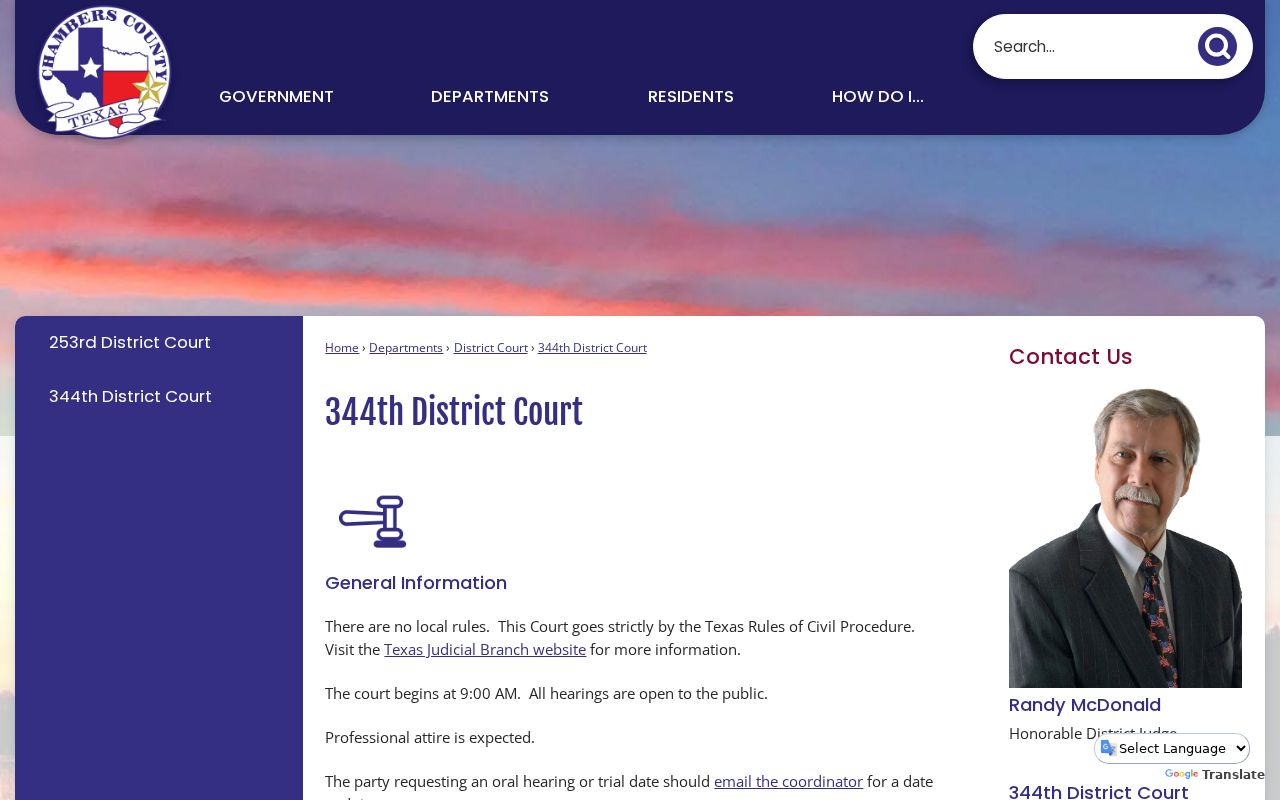
In Chambers County, the coordinators and the court reporter have jobs that sit apart from the District Clerk, who keeps the civil court docket and its filings.
The County Court at Law page posts the local rules, plus instructions for interpreters and reporter records.
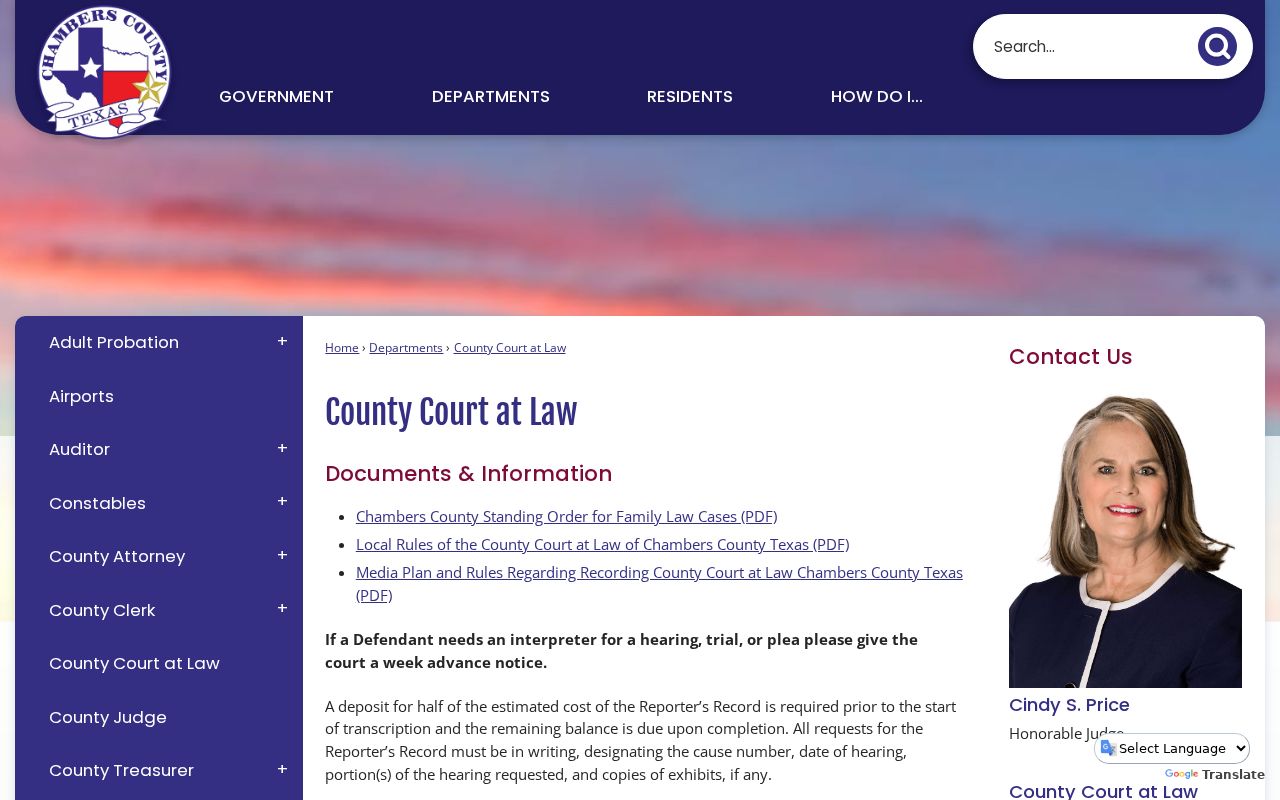
Those reporter instructions cover exhibits and transcript deposits on a seven-day schedule. A docket printout works differently.
For small-claims and eviction dockets, the Justice of the Peace directory lists the five precinct offices that hold those case records.
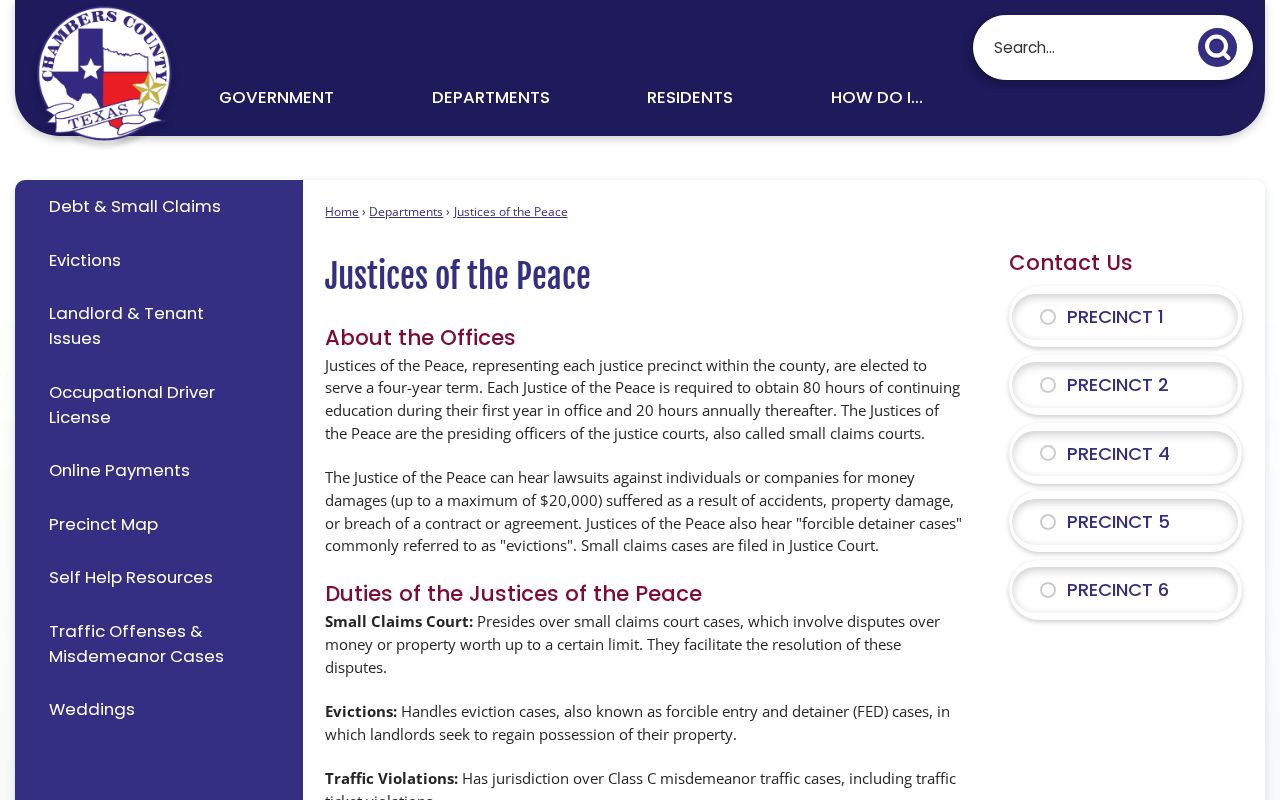
The listing shows why a JP civil filing has to be traced back to its own precinct. There is no single countywide counter for these court records.
The county traffic and misdemeanor page points to a separate Odyssey portal and the forms the Justice Courts use.
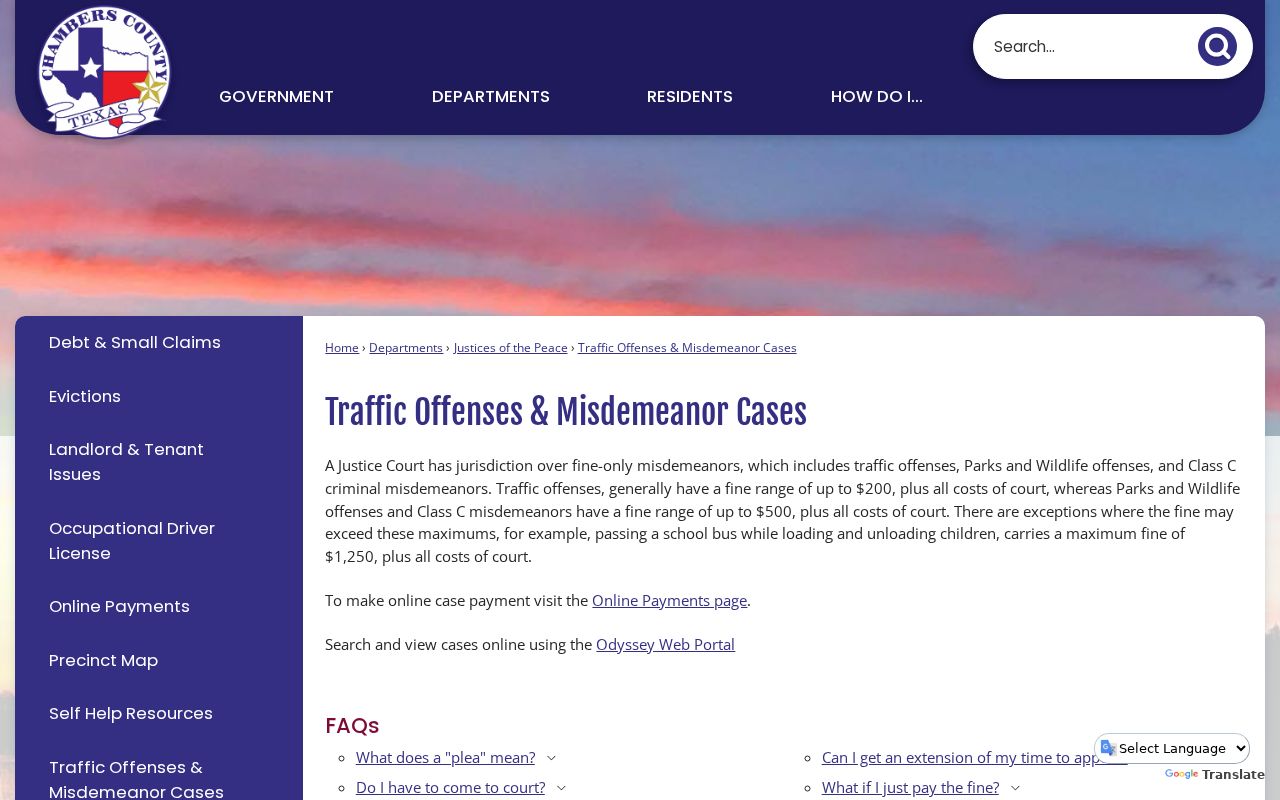
That screen deals with fine-only cases, yet it still makes the point: any JP record in Chambers County calls for a precinct check.